
Best YouTube Profanity Filter Extensions Compared (2026)
Compare the main ways to mute or bleep swearing on YouTube: context-aware AI filters, word-list caption extensions, comment scrubbers, and Restricted Mode.
Short answer: The best YouTube profanity filter depends on what you want to control. For word-level audio muting with context-aware AI (including videos without captions and Safari on Mac), Bleepster fits best. For editable local word lists on captioned videos, word-list tools like ContentAngel fit best. For scrubbing text and comments across many websites, Advanced Profanity Filter fits best.
The four categories of YouTube profanity filters
Browser extensions that claim to filter profanity on YouTube do very different jobs. Before installing one, decide whether you want to mute spoken words inside videos, hide bad words in comments and titles, or block whole videos from appearing at all.
| Tool / Approach | How it filters | Works without captions? | Browsers | Best for |
|---|---|---|---|---|
| Bleepster | Context-aware AI mutes or bleeps spoken words; optional video/channel blocking | Yes in Chrome, Edge, Firefox (audio check); captions required in Safari | Chrome, Edge, Firefox, Safari (Mac) | Hands-off multilingual audio muting, families, Parent PIN, Safari users |
| ContentAngel | Matches YouTube captions against a customizable local word list and mutes audio | No (requires captions) | Chromium browsers (Chrome Web Store) | Users who want to edit exact word lists and mask on-screen captions locally |
| Advanced Profanity Filter | Replaces or removes words from a customizable list across web pages, comments, and captions | No (caption/text based) | Chrome, Edge, Firefox | Scrubbing YouTube comments, titles, and general web text |
| YouTube Restricted Mode | Hides whole mature videos and all comments using YouTube metadata signals | N/A (does not mute audio) | Built into YouTube | Baseline video and comment hiding layered underneath an audio filter |
1. Context-aware AI audio muting (Bleepster)
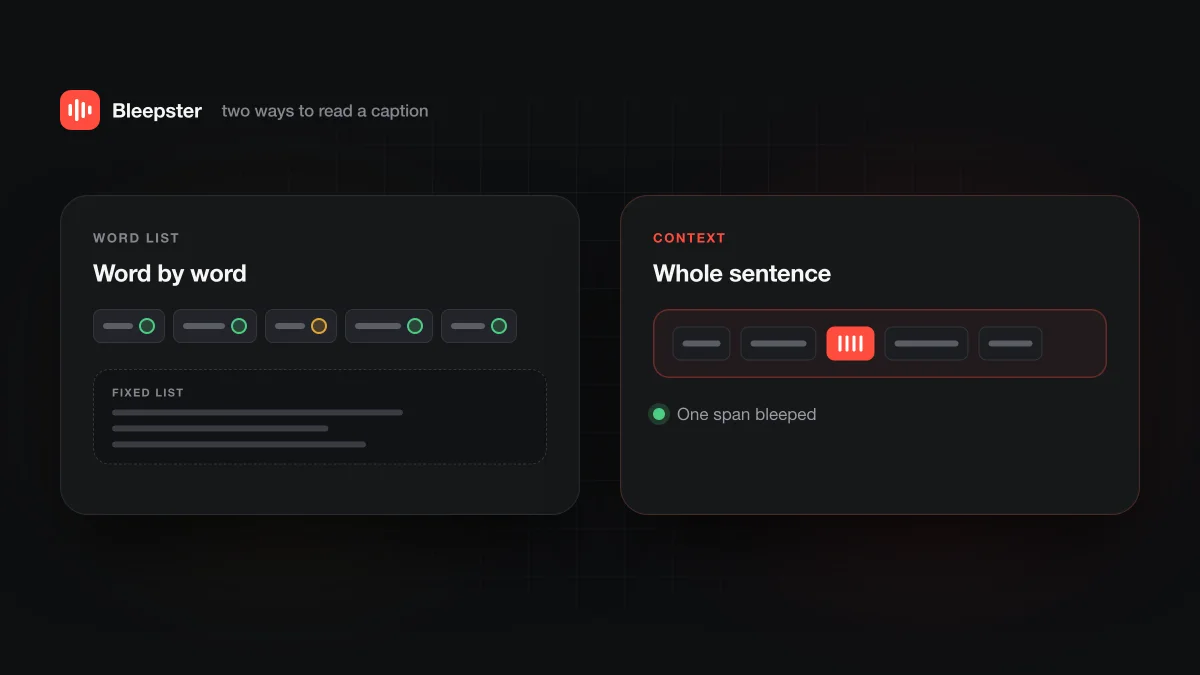
Bleepster is our own extension, so read this with that disclosure in mind. It reads YouTube's caption track and sends the text through Bleepster's server to an included AI model—no personal API key or word list is needed. Outside Safari, when a video has no usable captions, Bleepster transcribes short loaded pieces of audio instead without storing the audio.
- Strengths: catches slang, inflections, disguised spellings, and mixed languages; works on uncaptioned videos in Chrome/Edge/Firefox; native Safari on Mac app; 4-digit Parent PIN, Safe start, and channel/video blocking.
- Trade-offs: no custom word list to edit individual terms; requires sign-in and an internet connection for first analysis; live streams are not filtered while live.
- Pricing: Free for 10 videos where Bleepster mutes something (clean videos and rewatches are free), then $4.99/month or $19.99 one-time lifetime for up to 3 devices.
2. Local word-list caption muters (e.g., ContentAngel)
Word-list extensions check each caption word against a dictionary inside your browser and mute the player when a match appears. Many also blur or mask the word in on-screen captions.
- Strengths: full control over exact words (including custom mild phrases); local processing without sending captions to a server.
- Trade-offs: misses slang, typos, and unlisted languages; can overblock harmless words containing a listed substring; stops working when captions are unavailable.
For a direct breakdown, see Bleepster vs ContentAngel.
3. Multi-site text and comment filters (e.g., Advanced Profanity Filter)
If your main goal is cleaning up YouTube comment sections, video titles, and general web pages rather than spoken audio, a general text filter is designed for that job. Read our comparison: Bleepster vs Advanced Profanity Filter.
How to choose the right setup
- Choose Bleepster if you want automatic AI muting across languages, protection even on uncaptioned videos (Chrome/Edge/Firefox), Safari on Mac support, or a Parent PIN.
- Choose a word-list extension like ContentAngel if you specifically want to edit your own custom list of words locally on captioned videos.
- Pair any audio filter with YouTube Restricted Mode or a supervised account if you also want to hide comments and mature thumbnails.
Frequently asked questions
Which YouTube profanity filter works without closed captions?
Most caption-based extensions stop working without captions. In Chrome, Edge, and Firefox, Bleepster falls back to transcribing short loaded audio segments so it can still mute profanity without storing the audio.
Is there a YouTube profanity filter for Safari on Mac?
Yes. Bleepster offers a signed, Apple-notarized Safari extension for macOS 15.4+ and Safari 26+ that mutes profanity in captioned YouTube videos.
Can I combine Restricted Mode with a profanity filter extension?
Yes. Restricted Mode hides whole mature videos and comments, while an extension like Bleepster mutes individual swear words inside videos that Restricted Mode allows.