Bleepster guide
How to Mute Swearing in Spanish YouTube Videos
Mute swear words in Spanish YouTube videos in Chrome when the video has Spanish captions. How to check a video, mixed-language speech, and honest limits.
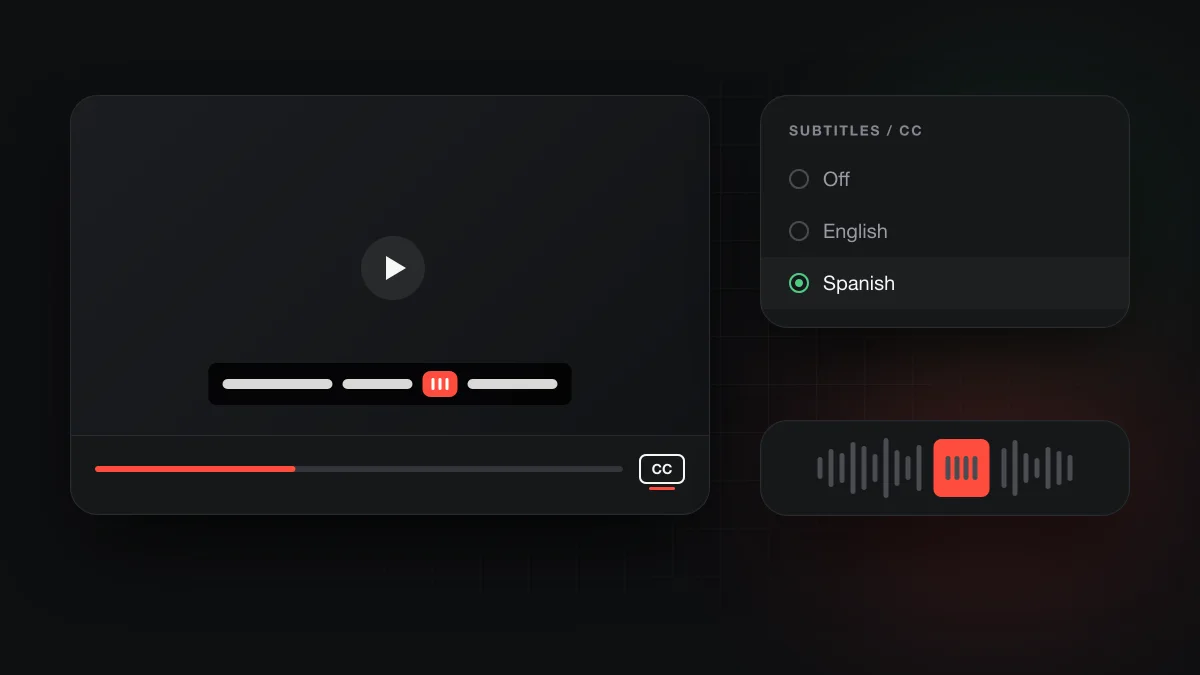
Yes, if the video has Spanish captions. Bleepster is a Chrome extension that reads a YouTube video's caption track, uses AI to find strong profanity in it, and mutes or bleeps those moments in desktop Chrome. Spanish is one of the languages YouTube can auto-caption. With no Spanish captions, Bleepster has nothing to read and says so.
Can you mute swearing in Spanish YouTube videos?
You can, as long as the video has a usable Spanish caption track. Bleepster works from caption text and timing, not from the audio, so the caption track decides what can be muted. Captions written by the creator and YouTube's automatic captions both count.
Spanish is on YouTube's list of languages supported for automatic captions, for regular videos and Shorts. That makes many Spanish videos candidates. It doesn't mean every one has captions, and the next sections cover how to tell.
YouTube's own Restricted Mode is another option people try. Google says it works in every language but that "quality may vary", and it hides whole videos rather than muting words inside one.
Why do word lists struggle with Spanish?
A word list only catches the exact forms someone typed into it. Spanish makes that hard. Verbs and adjectives change form with person, gender and number, so one offensive root can appear in many spellings. Slang also varies a lot between countries, so a word that is harmless in one region can be strong in another.
Mixed Spanish and English speech adds another layer, because a list built for one language misses the other. The general problem is explained in why word-list profanity filters fail. If you're choosing between a list-based extension and an AI filter, see Bleepster vs word-list profanity filters.
How does Bleepster read Spanish captions?
The same way it reads any other language. There is no separate Spanish mode or Spanish word list to switch on. The AI looks at each caption line in context, which is how it can handle inflected forms and disguised spellings. It flags strong profanity and obscenity, not mild words, and there's no custom word list to add your own terms.
To be clear about testing: English and German have been tested most heavily. Spanish goes through the same pipeline, but we don't claim a tested status or an accuracy level for it, or for any regional variety. The full picture is on how Bleepster handles languages, and the step-by-step flow is in how Bleepster works.
Caption quality still matters. If YouTube's automatic captions mishear a word or place it at the wrong time, a mute can be missed or land late. Our guide to YouTube auto caption accuracy explains why that happens.
How do you check that a Spanish video can be filtered?
Check the captions first, then let Bleepster tell you whether the video is protected. It takes under a minute:
- Look for the CC icon at the bottom right of the player. Google says it appears only if captions are available.
- Open the caption language menu in the player settings (Subtitles/CC) and confirm a Spanish track is listed.
- Open the Bleepster popup from Chrome's toolbar and read the status. Protected or Nothing to mute means the captions were analyzed. No subtitles here means there was nothing to read. The status guide lists every message.
- Use one of your 10 free videos on a channel you watch often, then preview a few moments you know to judge the captions and timing. A video counts only after one minute of analyzed playback.
If a video has no captions at all, YouTube lists several reasons: captions not processed yet, a very long video, poor sound, long silence at the start, or overlapping speakers or languages. We go through each one in why a YouTube video has no captions.
What about bilingual or Spanglish videos?
They can work, but the captions are the weak point. Google names overlapping languages among the reasons automatic captions may not be available, so a video that switches between Spanish and English mid-sentence may end up with no auto captions.
When a transcript does exist, Bleepster's AI reads it whatever the language. A line that mixes Spanish and English is analyzed as one piece of text, without a dictionary for each language. What it can't fix is a caption track that wrote the Spanish part down wrong. An English track that renders Spanish speech as nonsense English gives the AI nothing useful to find.
What does it cost to filter Spanish videos?
The same as any other language. The Free plan covers 10 newly analyzed videos, and rewatching one of them is free. Premium is $4.99 a month or $19.99 once for lifetime access, for one household. Details are on the pricing page.
Frequently asked questions
Does Bleepster work on Spanish auto captions?
Yes. Automatic Spanish captions are analyzed like any other caption track, as long as YouTube provides the text and timing. Errors in the auto captions can lead to a missed or mistimed mute.
Does it work on Spanish live streams?
No. Bleepster doesn't support streams while they are live, and Google says live automatic captions are English only. A finished recording with Spanish captions is handled like a normal video.
Is Spanish fully tested?
No. English and German have been tested most heavily. Spanish runs through the same AI analysis, so test it on a channel you watch with one free video.
Will it mute Spanish words in an English video?
Only if they appear in the caption track as written words. The AI reads the transcript whatever the language, but English captions often mishear Spanish speech, and a misheard word can't be found.
Do I need an API key?
No. AI analysis is included with Bleepster, on the Free plan and on Premium. You install the extension and watch.