
Bleepster vs Advanced Profanity Filter for YouTube
Compare Bleepster and Advanced Profanity Filter on YouTube: AI audio muting (with or without captions) versus multi-site word-list text and caption filtering.
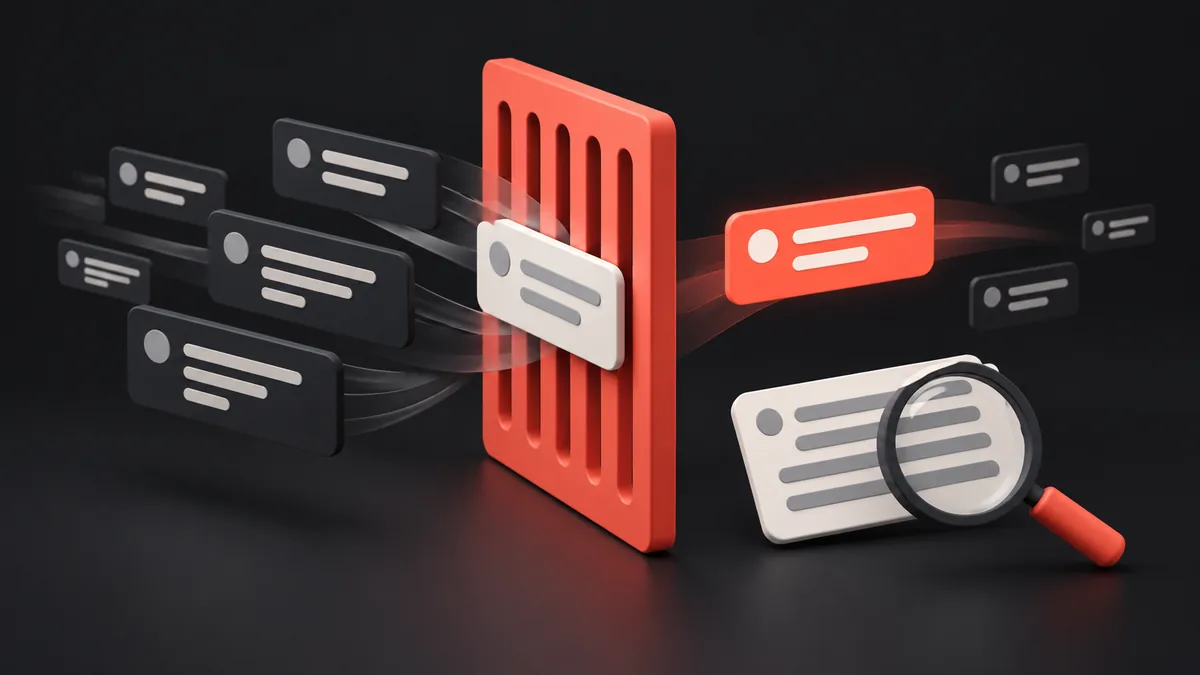
Short answer: Advanced Profanity Filter (APF) is a broad, customizable word-list extension for censoring text across websites (including YouTube comments and captions). Bleepster is purpose-built for YouTube audio: it uses context-aware AI to mute or bleep spoken profanity word by word—even on videos without captions in Chrome, Edge, and Firefox—and adds Safari on Mac support and a Parent PIN.
How the two tools differ
| Compared | Bleepster | Advanced Profanity Filter |
|---|---|---|
| Core focus | Spoken audio muting/bleeping and video/channel blocking on YouTube | Text censoring across websites, comments, and supported video captions |
| Detection engine | Context-aware AI (slang, inflections, mixed languages) | Customizable word lists and match rules |
| Videos without captions | Audio fallback in Chrome, Edge, Firefox (audio never stored) | Requires captions/text |
| YouTube comments & web pages | Does not filter comments or other websites | Yes—censors, substitutes, or removes listed words on web pages |
| Browsers | Chrome, Edge, Firefox 140+, Safari on Mac | Chrome, Edge, Firefox |
| Family controls | 4-digit Parent PIN, Safe start, Relaxed/Balanced/Strict levels, block videos with profanity | Password-protected settings and customizable word lists |
| Pricing | Free for 10 muted videos, then $4.99/mo or $19.99 lifetime (up to 3 devices) | Open-source extension |
Can you use them together?
Yes—they solve different layers. If you want clean text across general websites and YouTube comments, Advanced Profanity Filter handles web text well. If you want accurate word-level audio muting inside YouTube videos without maintaining word lists (and with audio fallback when captions are missing), Bleepster handles the video playback layer.
- Pick Bleepster when YouTube video audio is the priority, especially across multiple languages, uncaptioned videos, or Safari on Mac.
- Pick Advanced Profanity Filter when you want a free, customizable text scrubber across all websites and comment sections.
- Read why fixed dictionaries struggle with spoken YouTube speech in our explainer on why word-list profanity filters fail.
See also: why word-list profanity filters miss and overblock and how to turn off YouTube comments for kids.
Frequently asked questions
Does Bleepster censor YouTube comments like Advanced Profanity Filter?
No. Bleepster focuses strictly on muting or bleeping spoken profanity in YouTube videos and blocking videos or channels. To hide comments completely, pair Bleepster with YouTube Restricted Mode or a supervised Google account.
Why use an AI filter instead of a word list for YouTube audio?
Spoken YouTube speech uses slang, fast phrasing, auto-caption quirks, and multiple languages. Context-aware AI evaluates the whole sentence rather than matching isolated strings, reducing both missed slang and false mutes on harmless words.